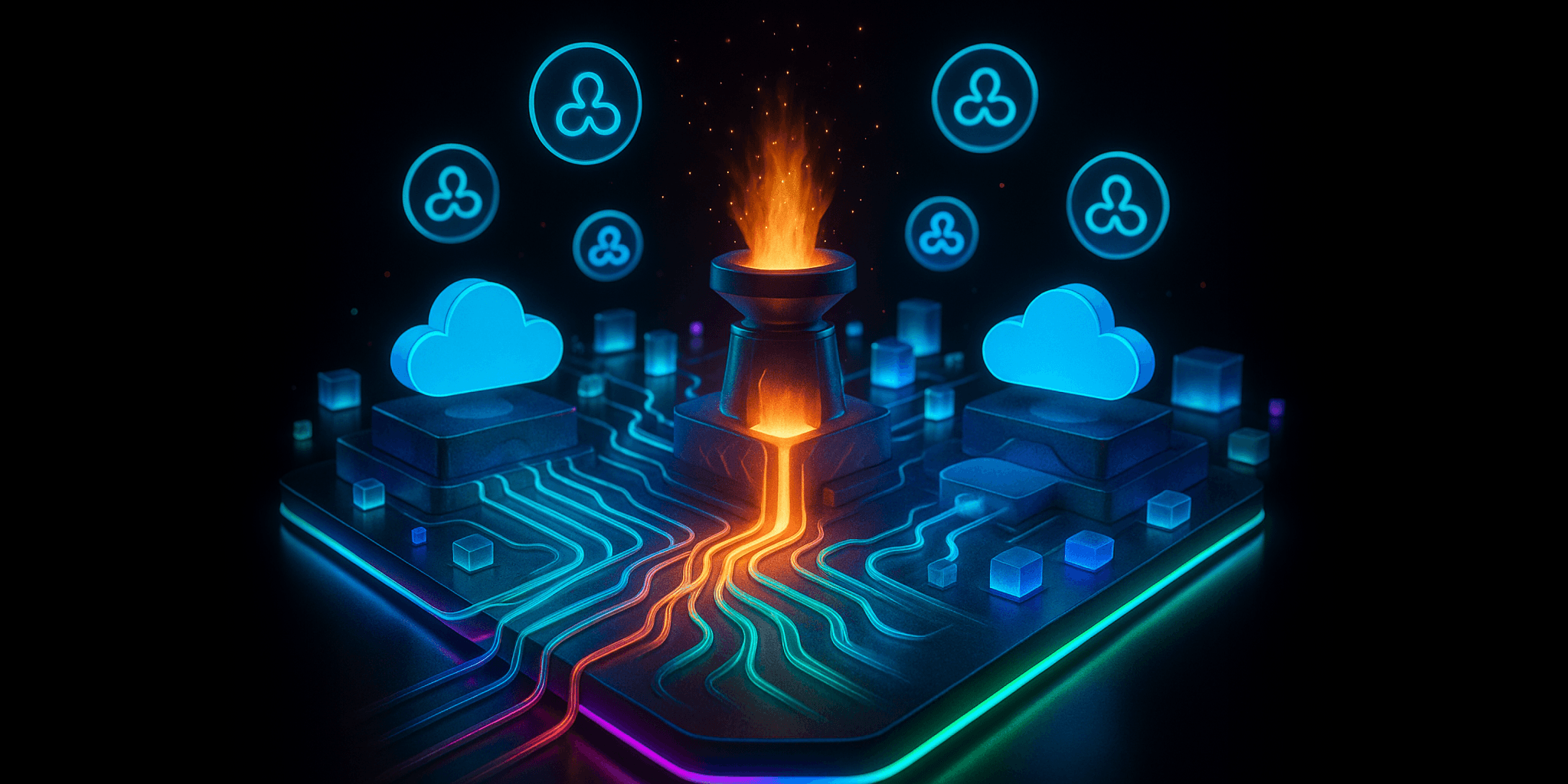
A Salesforce AI agent architecture has five layers: data and permissions, the agent runtime, tools and integrations, channels, and observability with human oversight. For a Head of Salesforce running Service Cloud, the order matters more than the parts. Decide what the agent may see and do first, pick one service use case second, and only then choose between Agentforce and a custom agent and decide where customers will meet it.
Who this is for, and why the question got harder after Dreamforce
This is written for the person who owns Salesforce at a mid-market company: Sales Cloud, Service Cloud, a customer or partner portal, and a long list of integrations. Leadership has asked for “agents in service.” You already have cases, knowledge articles, entitlements, and a support team with opinions. What you do not have is a reference design that tells you how the pieces fit together.
Dreamforce made the menu longer. Salesforce now describes its platform in four layers: AIforce as the interface layer, Agentforce as the agent layer, Customer 360 apps as the workflow layer, and Data 360 underneath, as Forrester summarized after the event. Salesforce also introduced job-ready agents, including Casey for customer service, and a long-horizon runtime for agents that pursue goals over days rather than single conversations. Agentforce Coworker now sits inside Lightning and works within your existing permissions.
More options are good news, but they create a familiar risk: a pile of disconnected pilots, each with its own permissions, its own tools, and nobody watching what they do. A simple layered architecture prevents that.
The five layers of a Salesforce AI agent architecture
Think of each layer as a decision you make once and reuse for every agent that follows.
| Layer | What it decides | Service Cloud example | Decide before you build |
|---|---|---|---|
| Data and permissions | What the agent can see and change | Cases, knowledge, entitlements, contact records | Which user the agent runs as, and which fields are off limits |
| Agent runtime | Where the reasoning happens | Agentforce service agent, or a custom agent on another model | Agentforce by default, custom only for a stated reason |
| Tools and integrations | What the agent can actually do | Flows to update cases, Apex actions, MCP servers, outside APIs | Which actions need a person to approve them |
| Channels | Where people meet the agent | Service console, customer portal, messaging, Slack, outside AI apps | Which channel goes live first |
| Observability and oversight | How you know it is working | Session traces, escalations, answer reviews | Who reviews, how often, and what triggers a rollback |
Data and permissions
Everything starts with what the agent may read. In a Service Cloud org that usually means knowledge articles, open and closed cases, entitlements, and the contact’s own records. The agent should run as a defined user or as the signed-in customer, with field-level security and sharing rules doing the work they already do for people. Salesforce built its hosted MCP servers the same way: every transaction runs as the authenticated user, with object permissions, field-level security, and sharing rules applied. If a person cannot see a field, an agent acting for them should not either.
Agent runtime
Agentforce is the natural default for service work inside Salesforce, because it sits next to your cases, knowledge, and flows. A custom AI agent built on another model earns its place when the work spans systems Salesforce does not hold, or when your security team needs a specific model provider. We walk through that choice in more depth in Agentforce vs custom AI: the decision factors. Pick one runtime per use case. Mixing them inside a single conversation is where reference designs fall apart.
Tools and integrations
Agents are only as useful as the actions they can take. In service, that means flows that update or close a case, Apex actions for anything with real logic, and connections to systems outside Salesforce such as billing or order management. MCP has become the standard way to expose those tools. Salesforce Hosted MCP Servers are generally available for Enterprise Edition orgs and above, and Agentforce agents themselves can be exposed as MCP tools to outside assistants, though only agents built with the new Agent Script Builder qualify. If your integration story is still unsettled, our guide to Agentforce third-party integration strategies covers the patterns.
Channels
The same agent can show up in several places: assisting reps in the service console, answering customers in a portal, working in messaging or Slack, or responding through outside AI tools under AIforce. The customer portal is the channel most teams underrate. It is where customers already go to check a case, and it is where an agent can answer from knowledge before a ticket exists. A support portal that feeds one knowledge base to the help page, the AI chat, and your Agentforce service agent, like the SF Support Portal Template, keeps that content in one place instead of three. Launch one channel first, and add the next only when the first is stable.
Observability and human oversight
You need to see what agents do as well as what they say. That means session traces, escalation rates, and regular reviews of real answers, plus clear human-in-the-loop points for refunds, account changes, or anything regulated. Salesforce’s new Agent Optimizer, which analyzes session traces to find what to improve, is scheduled for general availability in October. Native tooling helps, but someone on your team still has to own the review. Our post on AI agent telemetry and observability goes deeper on what to capture.
How Funnelists works with you as your AI advisor
We design, build, and deliver agents, but the most valuable part of the work happens before the build. As your AI advisor, we help you make the decisions the table above asks for, in the order that keeps risk low:
- Pick the first use case. One service job with clear knowledge behind it and a clear definition of done. Case status questions and guided case creation are common starting points.
- Connect it securely. Settle the run-as user, the fields the agent may touch, and the actions that need approval.
- Get one agent into production. Build it, test it against real cases, launch it on one channel, and put the review routine in place.
- Reuse the architecture. The second agent should take far less effort than the first, because the permissions, tools, and review habits already exist.
Our Agentforce AI Agents service covers this end to end, including cost governance for Agentforce consumption so spending surprises are caught early.
Honest limitations
- Your knowledge base sets the ceiling. An agent cannot answer well from stale or contradictory articles. Sometimes the first project is content clean-up.
- Long-horizon agents are still new. Salesforce’s long-horizon runtime launched with an outbound sales agent in pilot. For service, plan around conversation-length work today.
- Some of what was announced is not shipping yet. Check the release status of anything from Dreamforce before you design around it.
Decision framework: how much architecture do you need?
A light start is right when:
- You have one clear service use case and a knowledge base you trust.
- Everything the agent needs lives in Salesforce.
- One channel, usually the console or the portal, is enough to prove value.
In that case, one Agentforce service agent with careful permissions and a weekly review is the whole architecture. Do not build more.
Heavier design is warranted when:
- The agent must act in systems outside Salesforce, such as billing, order management, or a data warehouse.
- Your security team needs a specific model provider or wants a custom agent.
- Several teams want agents at once and you need shared tools and shared oversight to avoid duplicate pilots.
- Customers, partners, and employees will all meet agents in different channels.
If you are not sure which side you are on, a free 30-minute intro call is a quick way to find out. Bring the use case leadership is asking for, and we will tell you how much architecture it really needs.
FAQ
What does a Salesforce AI agent architecture look like?
It has five layers: data and permissions, the agent runtime, tools and integrations, channels, and observability with human oversight. Each layer is a decision you make once and reuse for every agent.
Should a Service Cloud team start with Agentforce or a custom agent?
Usually Agentforce, because it sits next to cases, knowledge, and flows. Choose a custom agent when the work spans systems outside Salesforce or your security team requires a specific model provider.
Where does MCP fit in a Salesforce agent architecture?
In the tools layer. MCP is a standard way to expose actions and data to agents. Salesforce Hosted MCP Servers run every request as the authenticated user, so your existing permissions still apply.
Can a customer portal be a channel for an AI agent?
Yes. A portal is where customers already check cases, so an agent there can answer from knowledge before a ticket exists and hand off to a person or open a case when it cannot resolve the question.
What should we decide before building our first Salesforce AI agent?
Which user the agent runs as, which fields and actions are off limits, which single use case goes first, which channel launches first, and who reviews the agent’s work after launch.
The takeaway
A good Salesforce AI agent architecture is less about choosing the newest announcement and more about making five decisions in order. Lock down data and permissions, pick one service use case, choose the runtime for a stated reason, launch on one channel, and keep someone watching. Do that once, and every agent after the first gets cheaper and safer to build.
Read Next
Why Build-vs-Buy IT Leaders Decouple the Salesforce Frontend for Custom Customer Portals
Build-vs-Buy IT leaders are decoupling the Salesforce frontend to own the customer experience while keeping Salesforce as the secure, automated backend. Here is the decision framework they actually use.
How Do SF Platform Architects Implement Salesforce Micro Frontends Without Framework Lock-In?
SF Platform Architects implement Salesforce micro frontends with Multi-Framework and MFE Developer Preview using sandboxed iframes and the Platform SDK to avoid framework lock-in.
How Do SF Platform Architects Build Headless Salesforce Experiences with Multiple Frameworks?
SF Platform Architects build headless Salesforce experiences by exposing core data through APIs and composing frontends from React, LWC, Vue and more—without framework lock-in.